Clean Code for your C# projects
14-day free trial

Clean Code for your C# projects
SonarQube Server Developer Edition
SonarQube Server static code analysis helps you build and maintain high-quality C# code. Covering popular build systems, standards and versions, SonarQube Server elevates your coding game while keeping bugs and security vulnerabilities at bay.
SonarQube Server Developer Edition features include:
- Branch Analysis covers popular build systems, standards, and versions
- Pull Request decoration
- Taint analysis
- C# static analysis plus 24 other programming languages
- Dedicated rules to cover the latest C# version
- SonarQube for IDE integration
your C# coding standards. covered
Latest standards
With each C# version, we create dedicated rules to cover the latest language standards.
VB.Net Support
SonarQube Server’s capability extends to VB.NET so your whole project will contain Code Quality.
quick fixes with SonarQube for IDE
Allow you to effortlessly repair your C# coding issues with just a click in IDEs such as Visual Studio.
full stack support
SonarQube Server supports popular web technologies with rules covering complementary languages including TypeScript, JavaScript and T-SQL.
SonarQube Server code analysis finds issues while you focus on the work
It all comes from a powerful static analysis engine that we constantly refine. SonarQube Server employs advanced rules along with smart, exclusive static code analysis techniques to find the trickiest, most elusive issues, code smells, and security vulnerabilities.
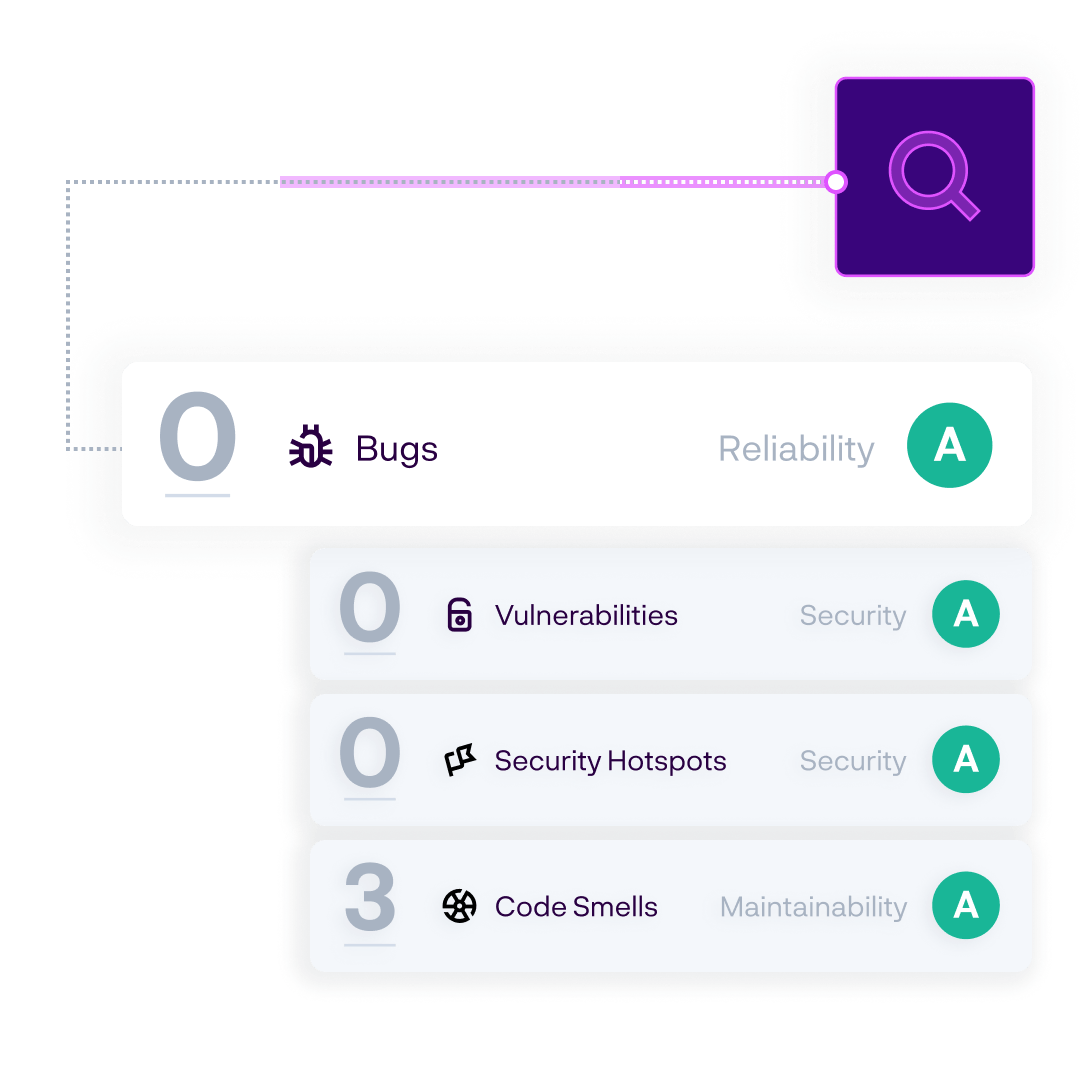

Precise static analysis
Deep static analysis of your code through symbolic execution, path sensitive analysis & cross-function/cross file taint analysis.

Fast issue resolution
Issue contextualization with secondary locations highlighted and clear remediation guidance helps you understand and construct a fix.

Minimal distractions
Automatic pull request analysis with results displayed in the comments of your favorite DevOps platform so you stay in the zone.
start with Code Quality. end with innovation.
SonarQube Server brings Code Quality to where your code lives. SonarQube Server is tightly integrated with your development workflow to feed you the right info at the right time and place.
clean C# code in your IDE
SonarQube for IDE in your IDE is your first line of defense for keeping the code you write today clean and safe. Issues are raised in-line with clear rule descriptions and educational guidance on how to fix them.
With SonarQube for IDE, the impact is immediate and no configuration is required. You learn from the real-time feedback provided and quickly resolve issues with contextual guidance and automatic Quick Fixes!
SonarQube for IDE is available from your IDE marketplace:
Visual Studio | Rider

clean C# code in your development workflow
Automatically analyze Pull Requests and feature branches with the results decorated in the DevOps platform of your choice.
Your team can share rule configurations and exclusions across projects and coalesce on a shared definition of excellence. The project Quality Gate is visible to everyone and the releasabity status is clear.
SonarQube Server tightly integrates with these popular platforms:
GitHub | Bitbucket | Azure DevOps | GitLab

make each release better than the one before

SonarQube Server empowers developers to write Code Quality
As a developer, your priority is making sure the code you write today is clean and safe. The SonarQube Server project homepage highlights the health of your New Code (changed or added) so you’ll clearly know when your code is solid.

Quality Gates show your project Releasability status
Out of the box, the SonarQube Server Quality Gate clearly signals whether your commits are clean and your projects are releasable. A Quality Gate coalesces the team around a shared vision of code quality. Everyone knows the standard of excellence and whether it’s being met.