
TL;DR overview
- Gitar is an AI-native code review solution that reviews pull requests, suggests fixes, and commits them back to the branch when asked.
- Use Gitar when you want automated AI code review and fix-on-request behavior for every GitHub pull request in your project.
- Installation takes under five minutes, and a real PR comment from
gitar-botconfirms the connection is live. - Setup involves GitHub App installation and repository selection; Gitar handles the initial scan and PR triggers automatically.
Gitar joined Sonar in May 2026, bringing LLM-based code review and remediation to the Agent Centric Development Cycle (AC/DC). This guide gets you up and running with Gitar in minutes: from a fresh account, to your first PR review on a connected repository.
When to use this
- You want AI code review and optional auto-fix behavior on PRs without writing custom integration code.
- You manage one or more GitHub repositories and have permission to install GitHub Apps on them.
What you'll achieve
- Gitar installed on your chosen GitHub account or organization with access to at least one repository.
- An initial scan completed and a PR-level review comment posted by
gitar-bot. - A working PR conversation loop, including the option to request a fix via reply.
Prerequisites
- A GitHub account with admin rights to the repository or organization you want to connect.
- An open PR (or a repo wherein you can create one).
Step 1 — Sign in to Gitar
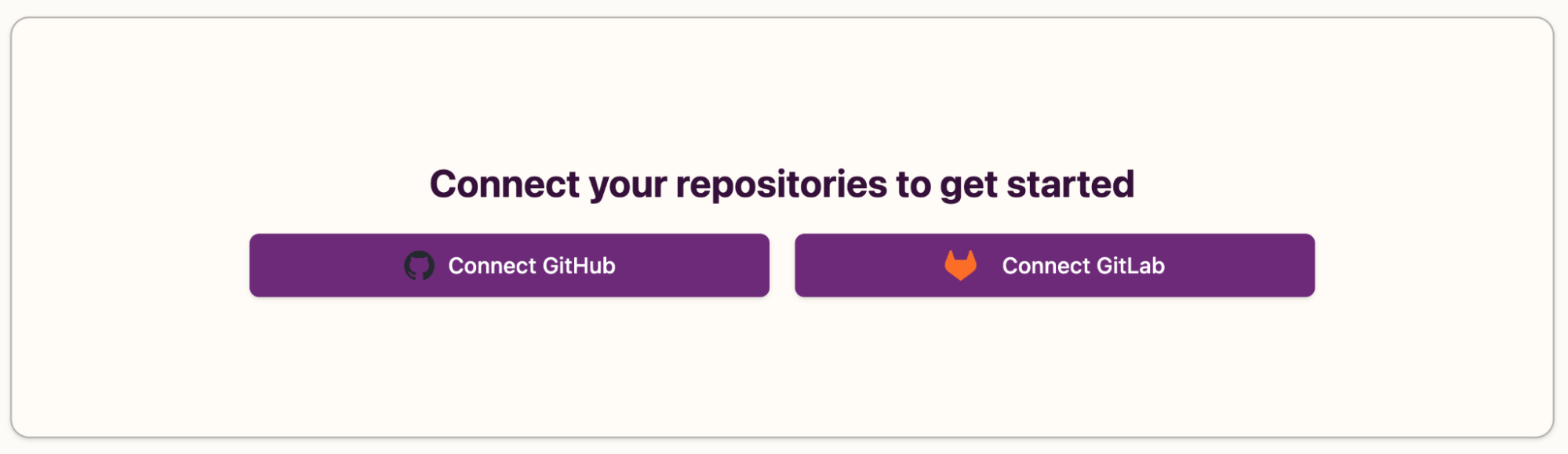
Visit app.gitar.ai and sign in with your GitHub account. Gitar then prompts you to Connect your repositories to proceed.
Step 2 — Connect your repo
Click Connect GitHub and grant access to either select repos or all repos. Pick the repo you want to test against and (optionally) click Enable automatic PR summary enhancement for practical technical summaries in your PR descriptions.
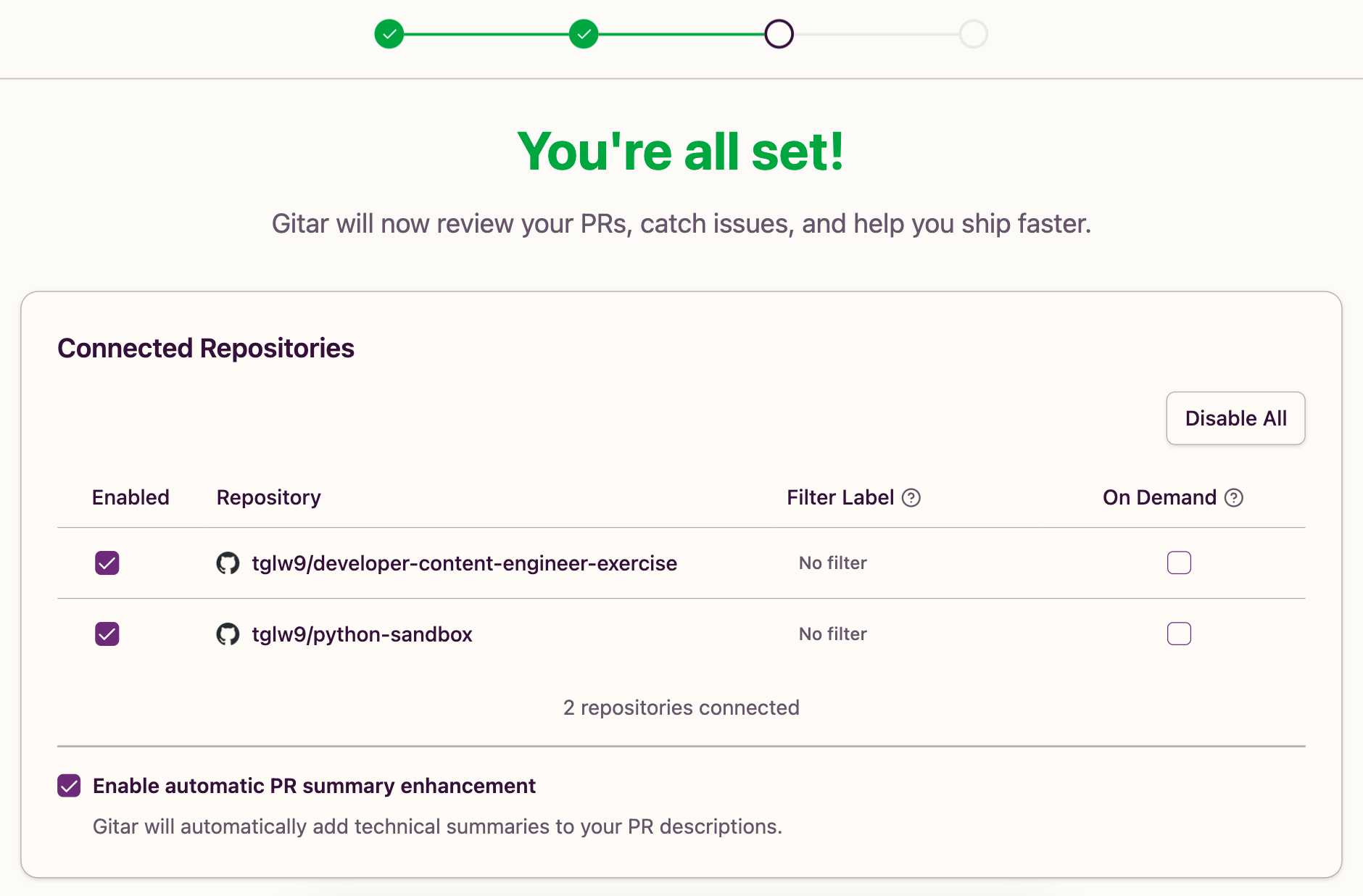
Note: organization installs may require an org owner's approval if your org restricts third-party Apps or enforces SAML SSO. Under Installed GitHub Apps in your GitHub Settings, you can adjust repo access at any time.
Step 3 — (Optional) connect integrations
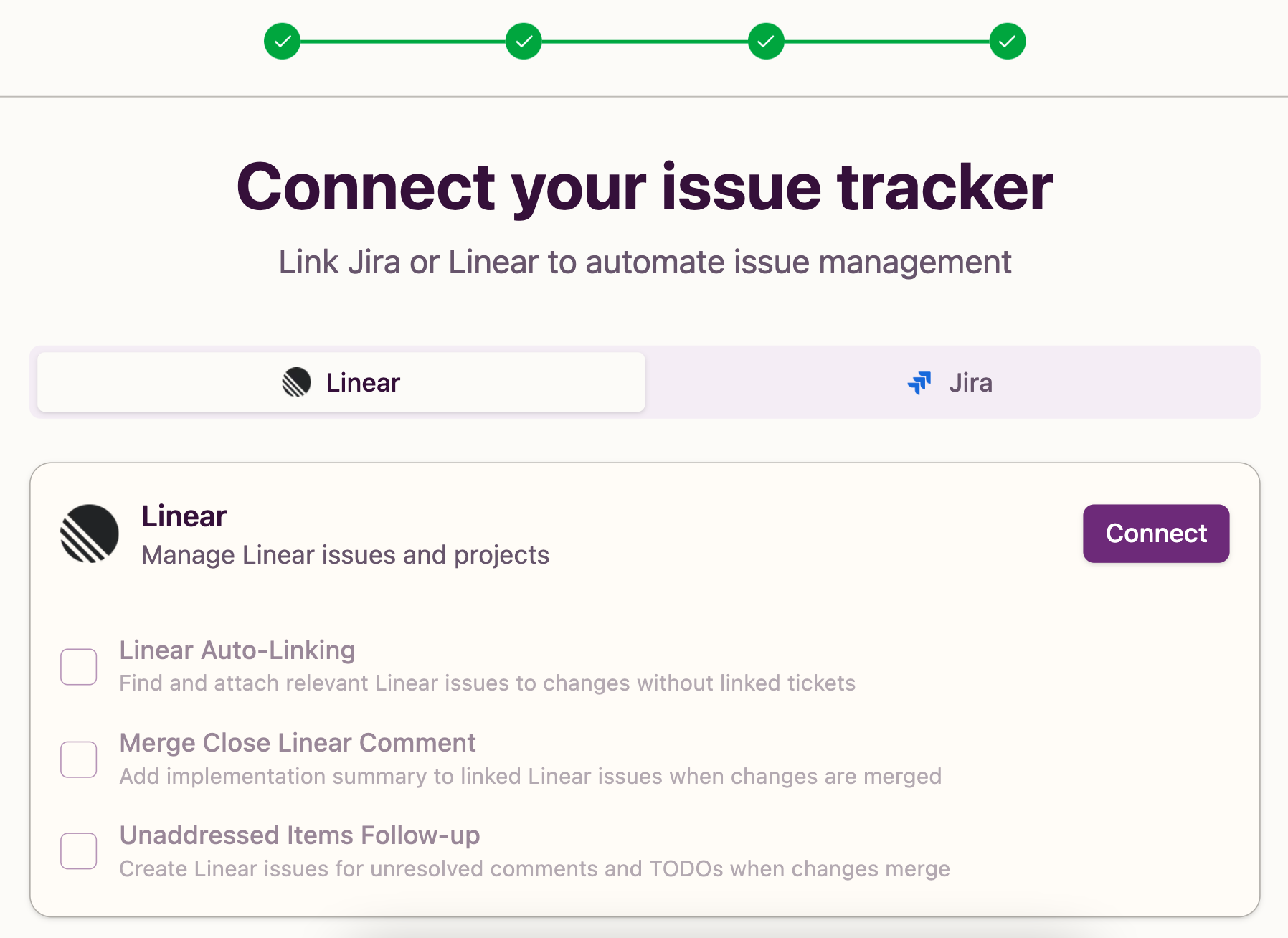
Link an issue tracker or notification tool (Jira, Linear, Slack) so Gitar can pull ticket context and post status updates alongside its reviews. You can skip this and add integrations later from Settings → Integrations.
Step 4 — Watch Gitar at work
Gitar runs an initial scan as soon as the repository is connected. From there, trigger a review in one of two ways:
- Open a new pull request in the connected repository. Gitar reacts to PR activity automatically.
- Click "Try Gitar on Your Open PRs" in the dashboard to run analysis against a PR that’s already open.
Step 5 — Review Gitar's comments
After a couple minutes, gitar-bot posts a comment on the PR with a summary, plus inline comments on specific lines. If CI is failing, Gitar classifies the failure as code-introduced, flaky, or infrastructure noise, so you know what actually needs fixing. Reply to any of gitar-bot's comments in plain language (“please fix this”, “rewrite this function”) and Gitar generates the change, validates it against CI, and pushes it as a new commit.
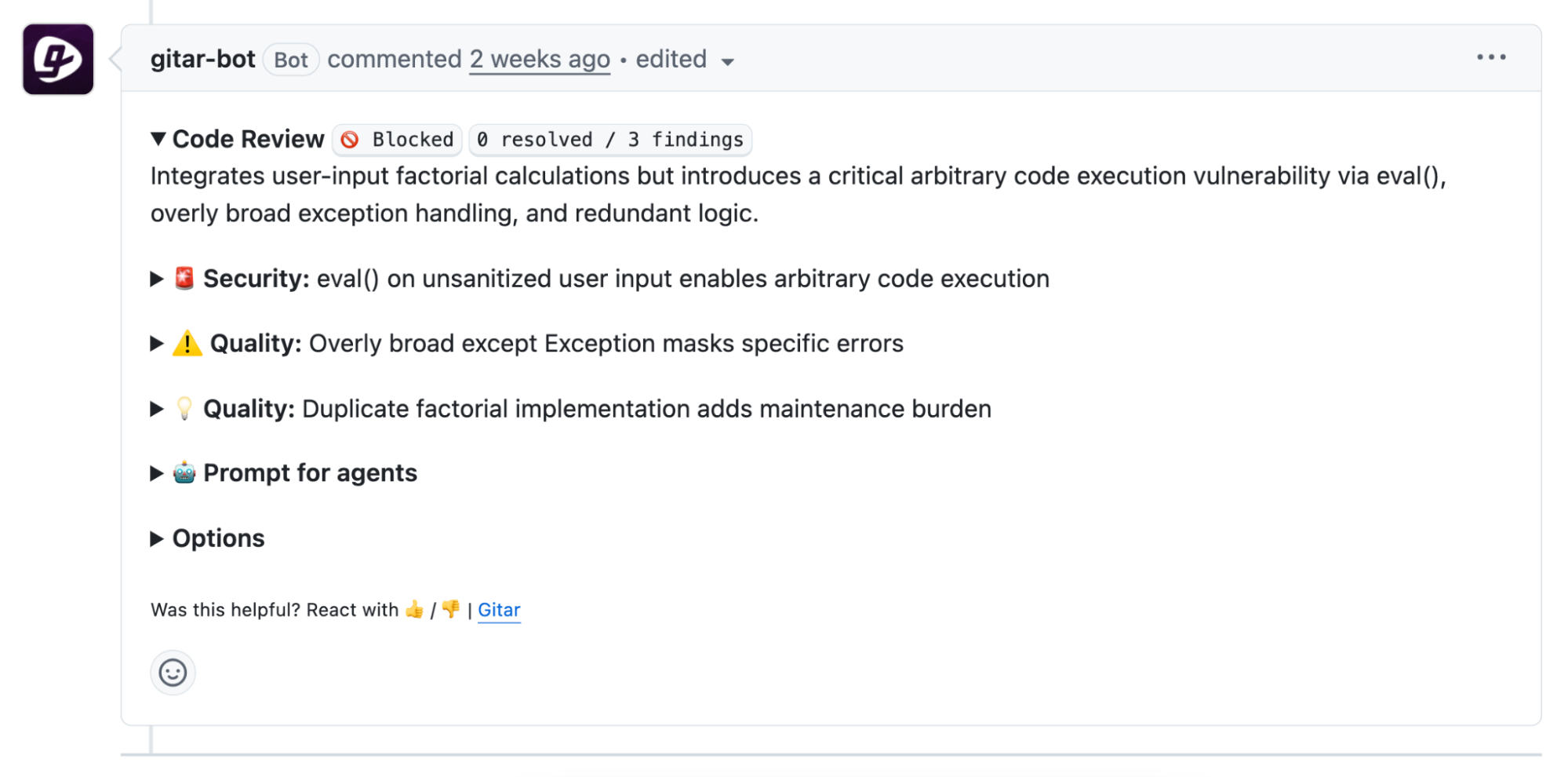
Note: Gitar never performs force pushes; every fix arrives as a new commit on the PR branch so your history is preserved.
Verify the setup
You should now see:
- The Gitar GitHub App listed under GitHub Settings → GitHub Apps → Installed GitHub Apps (or the org's equivalent).
- The repository enabled in your Gitar dashboard.
- A
gitar-botcomment on the PR with a summary and inline feedback. - A follow-up commit on the PR branch if you replied with a fix request.
If any of these are missing, check repository access in the App's configuration, and confirm your seat status if your workspace is on a paid plan.
What to know
- Address Gitar in PR comments with
Gitar(case-insensitive),@gitar, or@gitar-bot; that's how it knows you're talking to it. - Skip Gitar on a specific PR by adding the
gitar-skiplabel. - Apply a suggested fix by checking the box next to the suggestion on GitHub.
- Gitar validates every fix against CI before committing; it will not push a commit that breaks your build.
- Gitar runs in ephemeral environments that are destroyed immediately following the completion of tasks; it does not retain your source or train models on it.
- Gitar is language-agnostic, so it works with any programming language or framework.
Next steps
- Read about multilayered code verification with Gitar and SonarQube Cloud for context on how Gitar’s LLM-based review fits in alongside SonarQube’s deterministic analysis.
- Connect the dots with Sonar's Agent Centric Development Cycle framing.
- Consult the Gitar Documentation for a full reference on repository configuration, commands, dashboard features, and FAQs.
