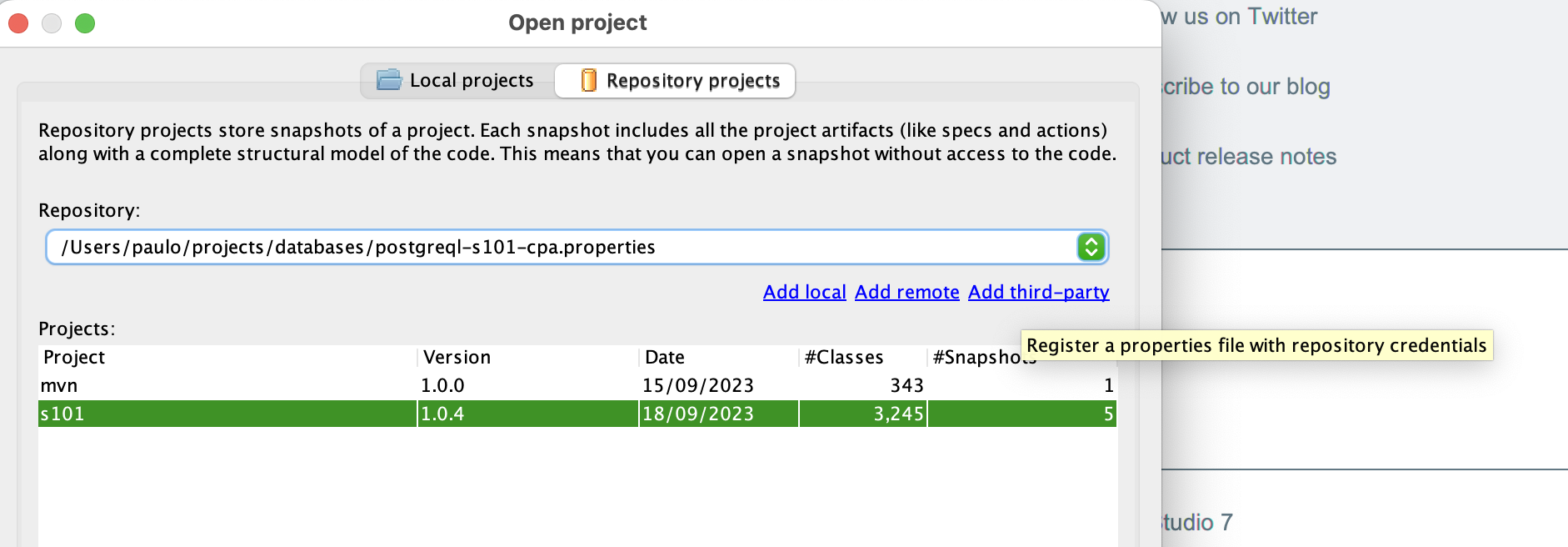
The Structure101 Soda Dependency Database currently runs on PostgreSQL. It can be setup manually to run natively on your hardware, or you can use the Docker setup.
Once you are setup, you publish to, and access, the Soda database repository using the 'properties files' described below. To use Structure101 Build with a Soda database repository you reference your Soda Dependency Database properties file as part of the build configuration. To use Structure101 Studio with a Soda Dependency Database you add or switch to the repository, and once connected you can open any existing Soda database project, or publish your local project.
Soda Dependency Database schema properties
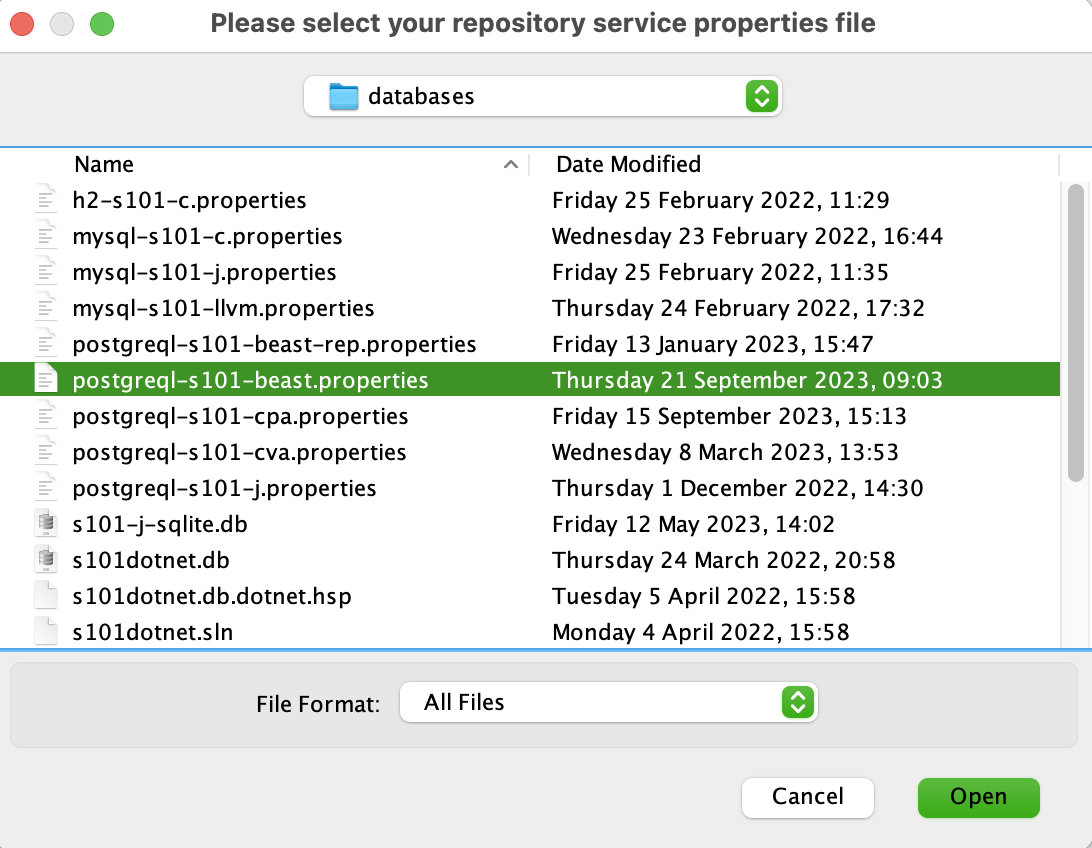
Note, the required (sample) contents of the properties file above are:
dburl=jdbc:postgresql://localhost:5432/db?currentSchema=s101
dbuser=soda
dbpwd=sodapwd
dbid=000
The required database schema properties are:
-
dburl: the JDBC connection string, e.g jdbc:postgresql://localhost:5432/db?currentSchema=s101
-
dbuser: the username of the schema
-
dbpwd: the password for the schema user
-
dbid: as the SODA Dependency Database supports publishing to a central master database from one or more slave databases, a dbid must be specified. Typically, each project will publish to a local SODA database, and then replicates the local database to a master database of all projects. The master database will typically have a dbid of 000, with slaves 001, 002, 003 etc.
The following optional database schema properties are:
-
timestamp: For Locale.US the format is yyyy-MM-dd HH:mm:ss, e.g."2023-01-19 15:02:18.757".
-
isGood: default is true. Typically when a snapshot is published, it is deemed to be good by default in terms of assuming that all check operations, if any, preceding the publish have succeeded. Where a check operation has failed, but the publish is to continue, the user can set isGood=false to indicate that the publish was performed even though prior check operations failed.
-
dbpurge: default is false. Use with extreme caution, as when set to true it will remove all data from the SODA database.
Once you open the properties file with a successful connection you will see the currently published projects in your Soda Dependency Database.