Structure101 filesystem storage uses a directory hierarchy of projects/snapshots/data in a proprietary XML and compressed encrypted XML format.
Structure101 filesystem storage can be read or written to locally, simply using the path to your repository directory, or remotely using a http(s) URL to the s101reposervice web service (included as part of the Structure101 Dashboard download). The s101reposervice web service offers the ability to read/download or write/upload Structure101 data to the remote repository (with exactly the same proprietary XML data format used locally).
Upgrading your repository for Version 7
Prior to Structure101 Version 7, the proprietary XML data format required a repository.xml file that contained an up-to-date list of all projects and snapshots in a repository. In version Version 7, the repository format has been optimised, replacing the repository.xml file with a simpler repository.properties file.
Although it is not required you update your existing repository, we recommend you do, as it removes the risk of repository corruption due to simultaneous-write errors. You update your repository using the repository-import command.
Create a filesystem repository
If you are new to Structure101, or wish to add a new repository, use the Tools/'Create new repository' option in Studio.
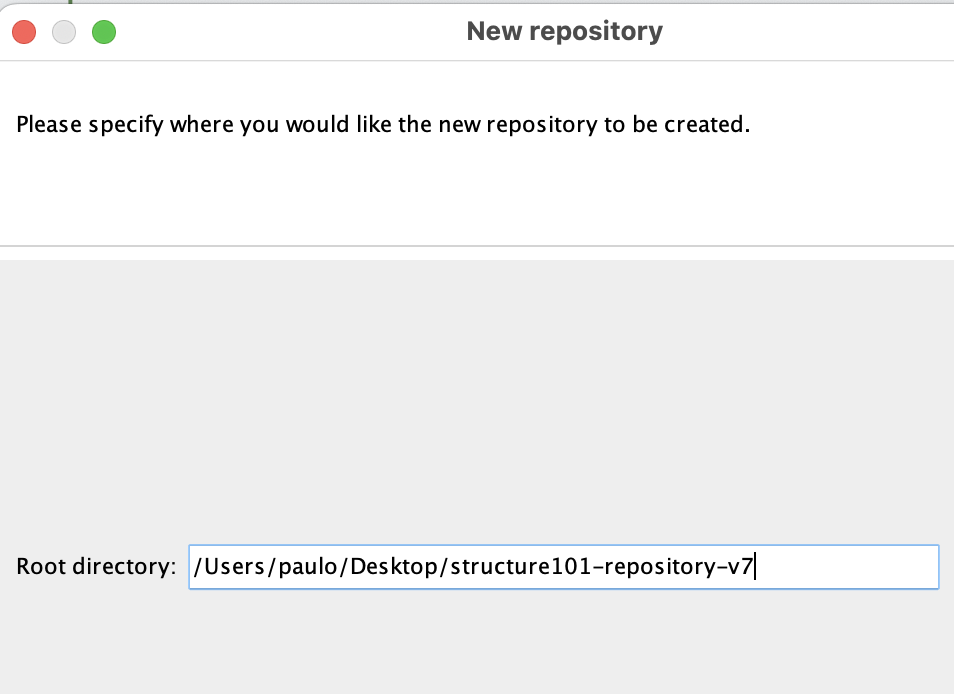
The repository creation process creates a repository.properties file in the given directory that is never updated after creation. Consider it a flag for Structure101 that the given directory is the root directory for a Structure101 repository.
See repository basics to see how you connect, access and publish to a Structure101 filesystem repository.