Structure101 currently supports the following third-party cloud storage options :
-
Amazon S3 Service (Buckets)
-
JFrog Artifactory Service
If you require support for additional cloud storage options, such as Nexus, please mail support@structure101.com.
AWS Bucket Service
Setup your AWS bucket manually
To store Structure101 projects and snapshots in AWS:
-
create a new Bucket in your S3 account
-
then create new credentials and properties files
That’s it. Since Structure101 will upload its data in XML files, there is no need to configure anything else other than the target Bucket and the properties required for permissions to upload to that Bucket.
For example, here’s a test repository bucket manually created:
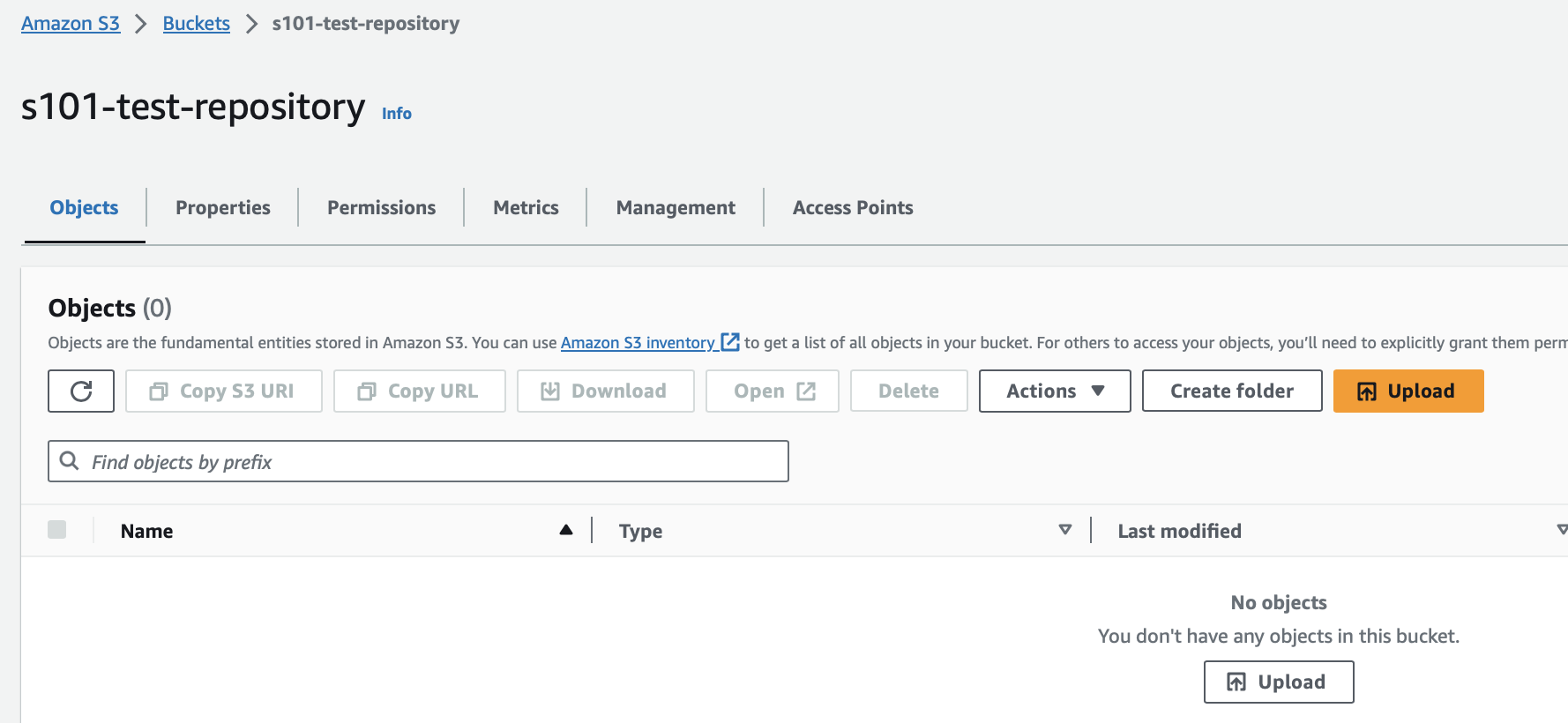
AWS Bucket properties
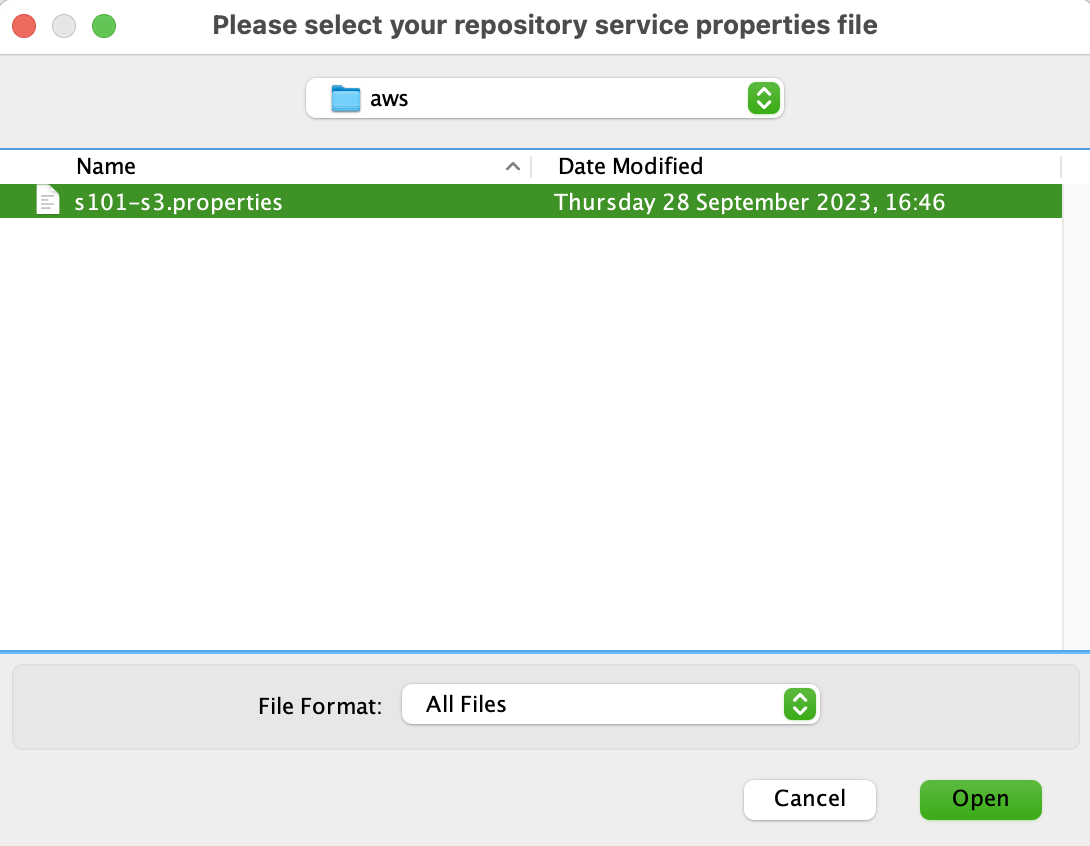
The sample contents of the s3.properties file are:
credentialsFilePath=/path-to/.aws/s101-s3.credentials
credentialsProfile=joe
region=us-east-1
repositoryBucketName=s101-test-repository
The supported AWS S3 properties are:
-
credentialsFilePath: path to the local credentials file (as below)
-
credentialsProfile: profile in the credentials file to use
-
region: the region of the Bucket
-
repositoryBucketName: name of Bucket created in the S3 UI (as above)
The sample contents of a referenced s3.credentials file (credentialsFilePath) are the connection profiles configured within AWS, typically saved under ~/.aws, e.g.
[joe]
aws_access_key_id=XX-Your-KeyId-XX
aws_secret_access_key=XX-Your-Key-XX
See the AWS documentation for more details.
Once a project is published (see repository basics to see how you publish to, and access, a Structure101 cloud repository), the contents of the bucket will look like:
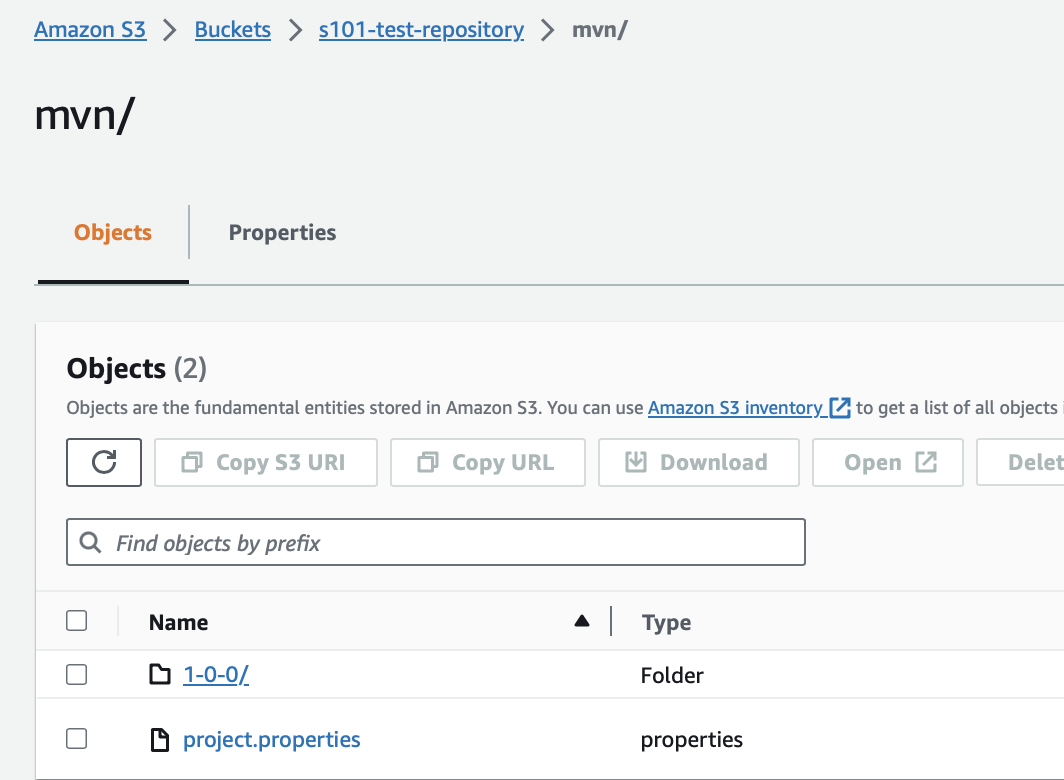
The new project in the S3 bucket. Note: project.properties are never updated after creation.
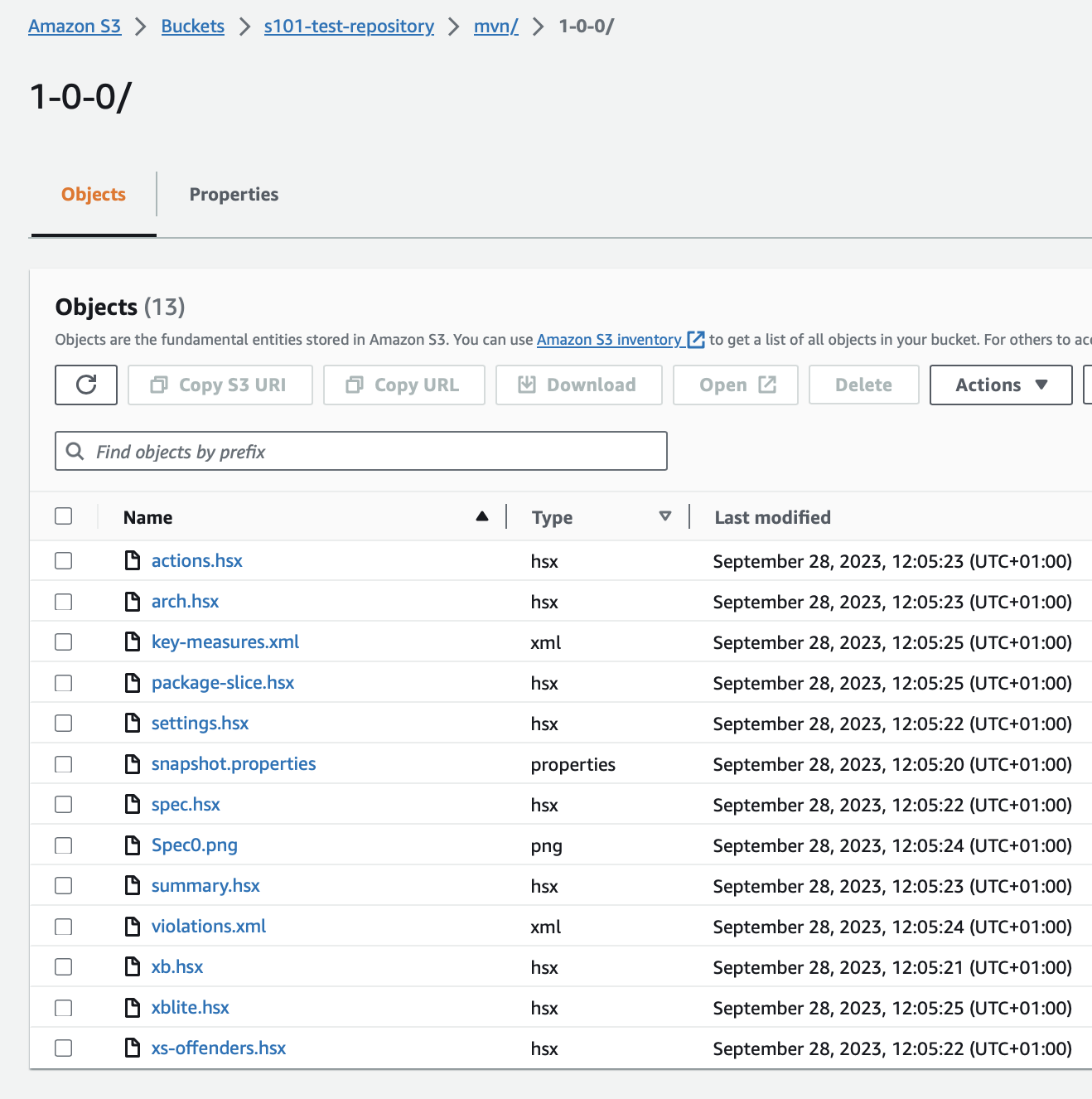
The new snapshot (1-0-0) inside the (mvn) project. Note: snapshot files are never updated after creation.
JFrog Artifactory Service
Setup Artifactory manually
Refer to the JFrog Artifactory documentation for setup of account and a new Artifactory.
JFrog Artifactory properties
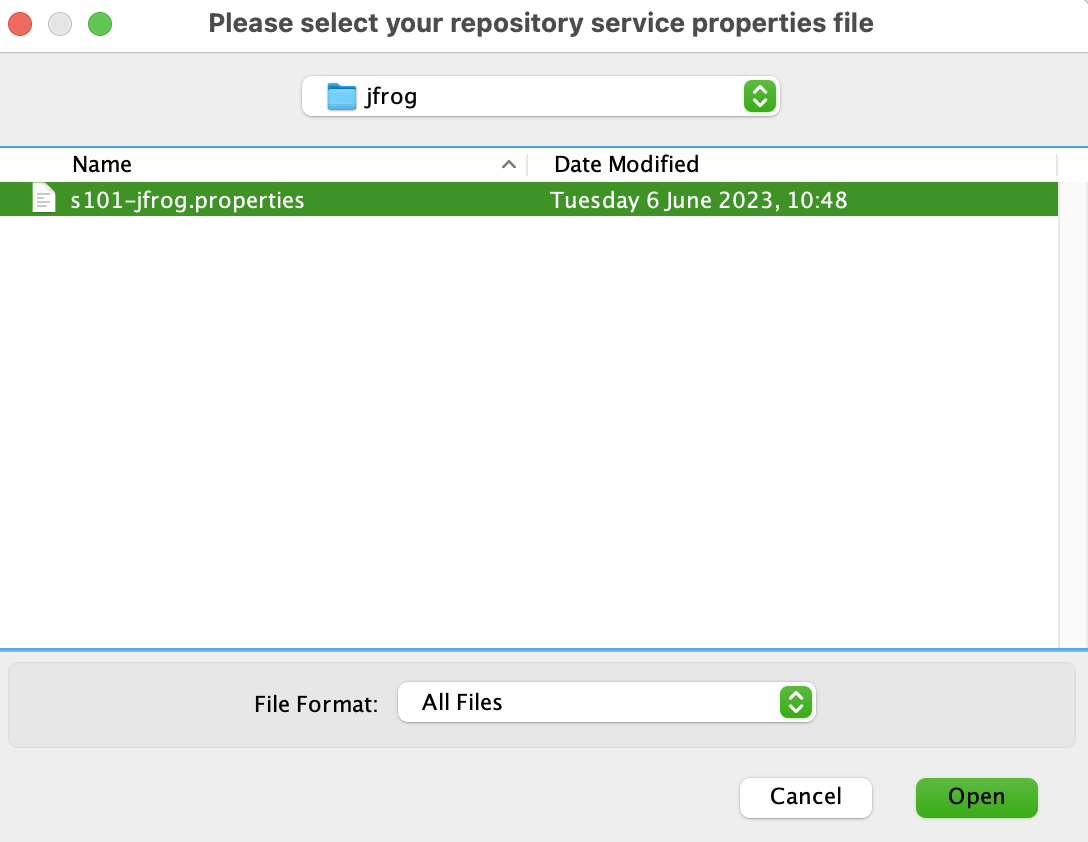
The sample contents of the jfrog.properties file are:
artifactoryUrl=https://structure101.jfrog.io/artifactory
repositoryName=s101
projectsFolderName=joes-projects
username=joe
accessToken=XX-Joes-Token-XX
The supported JFrog Artifactory properties are:
-
artifactoryUrl: URL to the Artifactory host
-
repositoryName: name of Artifactory created on the host
-
projectsFolderName: this is a folder in the Artifactory where projects will be stored
-
username=user name for access (credential)
-
accessToken: token for access (credential)
Once configured and published to, the contents of the project inside the projectsFolderName will be similar to the contents of an S3 publish. Note: the projectsFolderName will be created if it does not already exist. This allows for multiple projectsFolders to be stored under the same Artifactory repository where local properties files have different target folder values.
For more on how you publish to, and access, a Structure101 cloud repository see repository basics.